Plans & Billing
Free vs. Pro, project limits, the lifetime deal, and how billing works
At a glance
BreakColorUI is free to start and offers a Pro lifetime deal for unlimited projects. There is no recurring monthly subscription — Pro is a one-time purchase that stays active.
What's in each plan
Free plan
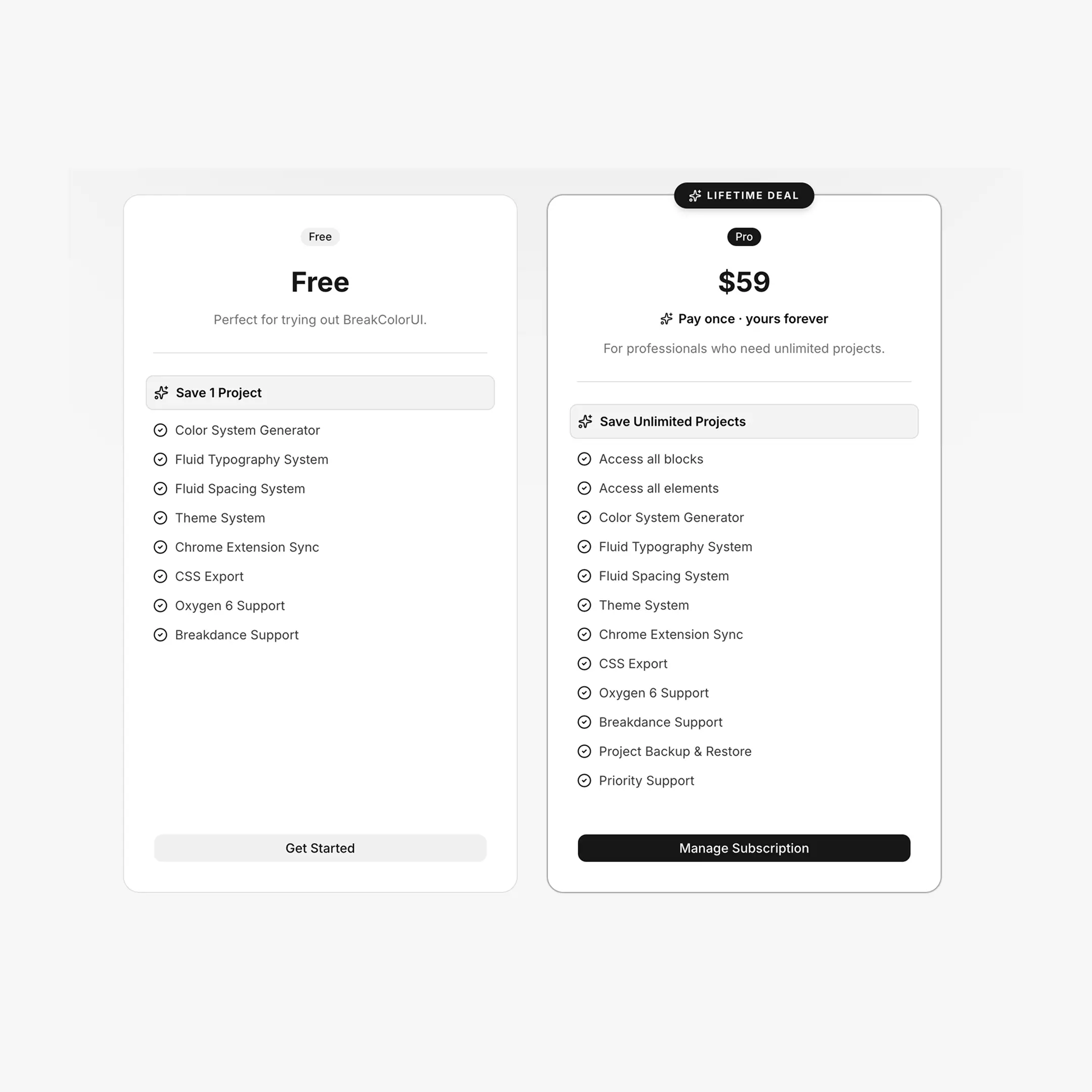
The free plan is a real working tier — every editor feature is available. The only limit is the number of saved projects.
Free plan includes
- Save 1 project (active or in trash — both count)
- Color, typography, spacing, and theme systems — full access
- CSS export with light/dark/dual exports
- Chrome Extension sync (one project at a time)
- Oxygen 6 and Breakdance support
Trash counts toward the limit
Soft-deleting a project does not free up a slot on the free plan. If you have one project in trash and want to create a new one, you must either:
- Permanently delete the trashed project (Trash dialog → Delete), or
- Upgrade to Pro.
Pro plan ($59 lifetime)
Pro removes the project cap and unlocks the additional libraries and benefits listed on the pricing page.
Lifetime, not a subscription
Pro is sold as a one-time payment of $59. There's no monthly or yearly renewal — once your purchase is recorded against your account, Pro features stay on.
How upgrading works
Upgrade buttons appear in two places:
- Pricing page (
/pricing) — the Pro card's primary CTA - Dashboard — the "Create New Project" card switches to an "Upgrade to Pro" prompt when you hit the limit
Clicking either calls POST /api/billing/checkout, which creates a hosted checkout session and redirects you to Polar (the billing provider). After payment, Polar sends a webhook back to BreakColorUI; the dashboard's subscription state updates within seconds via Supabase Realtime, and the lock falls off the project grid automatically.
What if I'm already Pro?
The pricing page detects an active subscription and changes the button to Manage Subscription, which opens the Polar customer portal so you can update payment method or download invoices.
Managing your billing
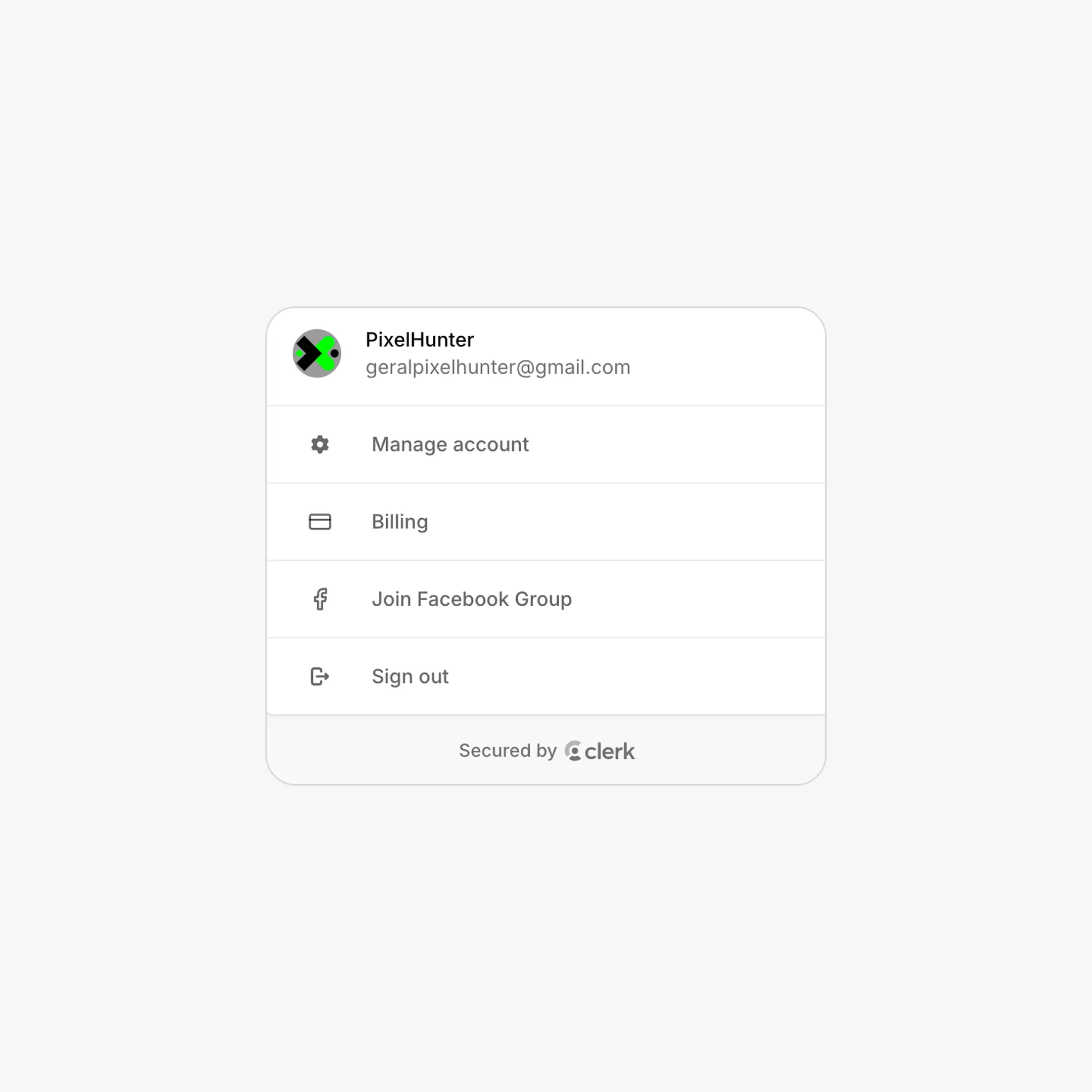
Once signed in, click your avatar in the navbar and choose Billing. This calls POST /api/billing/portal and opens a hosted portal where you can:
- View and download invoices
- Update your payment method
- See your subscription history
The portal URL is provider-aware:
- Polar customers are sent to the Polar customer portal
- Stripe legacy customers (see below) are sent to the Stripe Billing Portal
Stripe legacy migration
BreakColorUI used Stripe for billing before migrating to Polar. Customers who purchased on Stripe keep their access until the end of their current billing period and see a yellow banner at the top of the dashboard explaining the migration:
Billing migration in progress: your subscription is still managed in Stripe.
What legacy customers can do
- Click Manage in Stripe in the banner — opens the Stripe Billing Portal scoped to legacy customers.
- Inside the Stripe portal: cancel at period end, view invoice history, update payment method.
- When the Stripe period ends, access falls back to free tier; renewals from that point on go through Polar.
No silent extension of Stripe
The Stripe webhook automatically sets cancel_at_period_end=true on legacy subscriptions. This guarantees the Stripe lifecycle ends at the current period and prevents accidental Stripe renewals during the Polar migration.
Cancellation behaviour
Cancelling a Pro subscription has different effects depending on the provider — but in both cases your projects are not deleted.
Free tier behaviour after cancellation
After cancellation, the limit reverts to 1 project. You retain access to your most recent project (locked siblings stay visible). To regain unlimited projects, resubscribe to Pro from the pricing page.
Anti-abuse rules
The free tier is enforced server-side to prevent the obvious "delete and recreate forever" pattern. Both creation and restore go through /api/projects/* routes that count active plus trashed projects against your limit.
Why the 2-day trash window?
Soft delete keeps a 2-day safety net for accidental deletions. Restoring within that window is one click in the Trash dialog. After 2 days, a daily cron permanently removes the project — no recovery after that point.
Free vs. Pro at a glance
| Free | Pro ($59 lifetime) | |
|---|---|---|
| Saved projects | 1 (active + trash) | Unlimited |
| Editor features | All unlocked | All unlocked |
| CSS export | Yes | Yes |
| Chrome Extension sync | Yes | Yes |
| Blocks library access | No | Yes |
| Elements library access | No | Yes |
| Project backup & restore | Trash (2 days) | Trash (2 days) + project locking on cancel |
| Priority support | No | Yes |
| Billing | None | One-time payment via Polar |
Frequently asked
Do I need a credit card to use the free plan?
No. The free plan creates immediately on sign-up; payment is only requested when you click Upgrade.
Can I downgrade?
There is no monthly Pro subscription to downgrade from. If you stop being Pro (refund, dispute, or future cancellation), the dashboard automatically falls back to the free-tier rules and locks any extras.
What payment methods are supported?
All standard credit/debit cards via Polar's checkout. Specific methods depend on your country — Polar shows the supported options on the checkout page.